Building a headless “Staff Portal” for real-time data and documentation.
The Goal: A “No-Training-Required” Interface
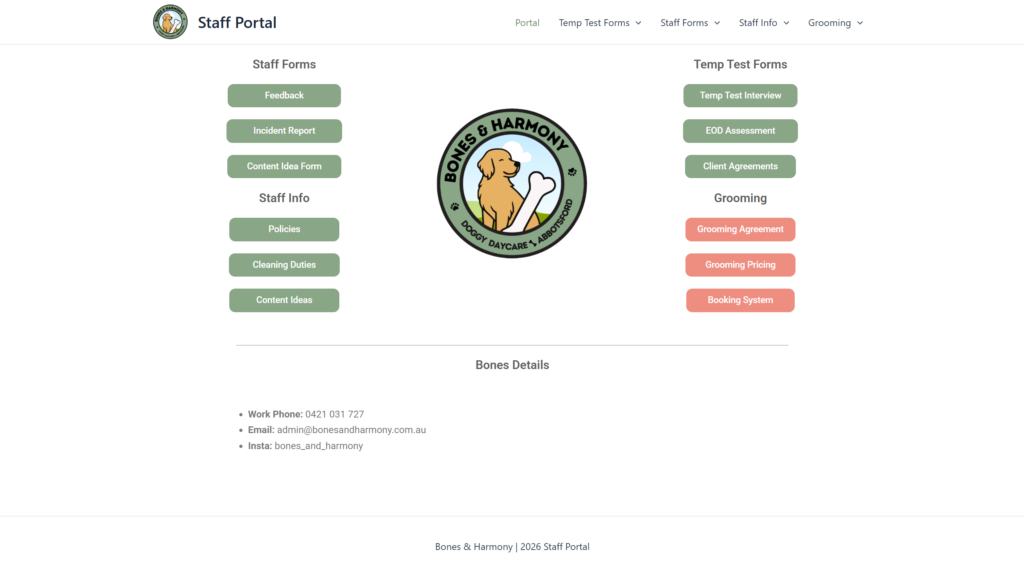
While the Admin “Control Room” (Retool) is built for complexity, the staff on the floor need speed and simplicity. I used WordPress not just as a website, but as a functional Service Layer that communicates directly with my Supabase database. This ensures staff stay in a familiar environment while interacting with high-level data.
The Dynamic SOP Library (Live Sync)
One of the core features of the Staff Portal is the Standard Operating Procedure (SOP) library. Rather than using static PDFs that become outdated, I built a dynamic system:
- The Source: Policies and procedures are managed by Admins in a dedicated Supabase table.
- The Integration: I developed a custom PHP function to poll the Supabase API and fetch the latest documentation.
- The Frontend: Using a custom WordPress shortcode
[staff_portal], the site renders these policies in an organized, searchable accordion view. - The Result: If an Admin updates a safety protocol in the backend, the change is live on the staff’s tablets instantly.
Deep Data Entry with WS Forms
To handle “Floor to Cloud” communication, I utilized WS Forms‘ advanced API capabilities. This allowed me to create high-utility forms for:
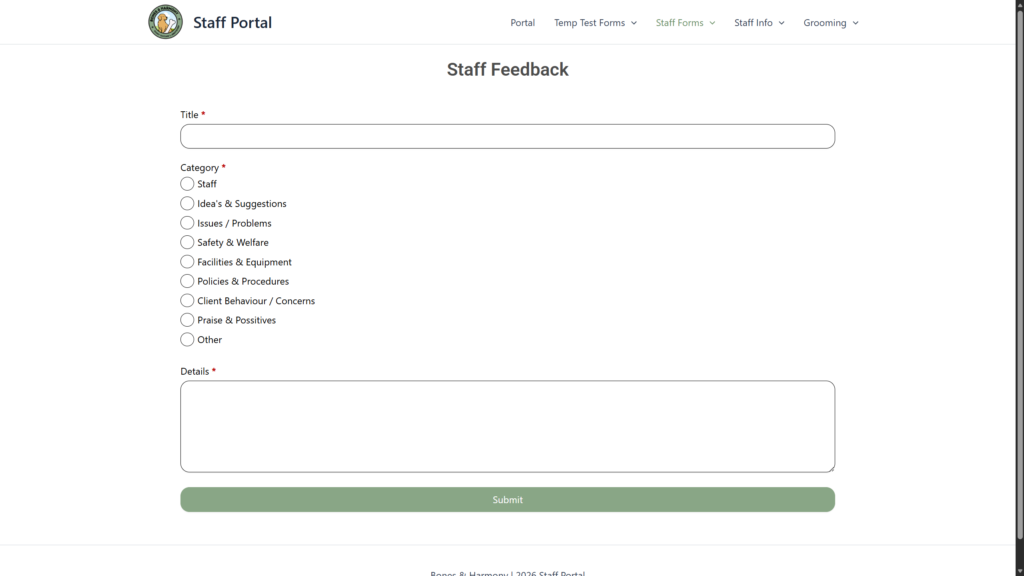
- Incident Reporting: Critical logs that require immediate database entry.
- Inventory & Stock Reorders: Staff can log low stock on the fly, which updates the “Facility” module in the Admin Hub.
- Feedback: Ensuring information flows seamlessly between morning and afternoon shifts.
Security & Architecture (The “API Bridge”)
Connecting a WordPress site to a PostgreSQL database requires a strict security posture. I implemented several layers to protect the system:
- Scoped API Keys: The WordPress connection uses a limited-access key that can only interact with specific tables.
- Row Level Security (RLS): I wrote SQL policies in Supabase to ensure that the “Staff” role can read policies but cannot delete or modify the core “Leads” or “Financial” data.
- Decoupled Performance: Because the heavy logic happens in Supabase and the UI is handled by WordPress, the system remains lightning-fast even with multiple staff members logged in.
Why This is Better Than a Standard Plugin
By building a custom bridge between WordPress and Supabase, I avoided the “Plugin Bloat” that slows down most sites. Instead of a heavy Membership or LMS plugin, I created a lightweight, purpose-built portal that:
- Eliminates Data Silos: Information isn’t trapped in WordPress; it lives in a professional-grade database.
- Reduces License Costs: No need for expensive monthly subscriptions for “SOP Management” software.
- Future-Proofs the Business: The data can easily be pushed to a mobile app or a different frontend in the future without rebuilding the backend.